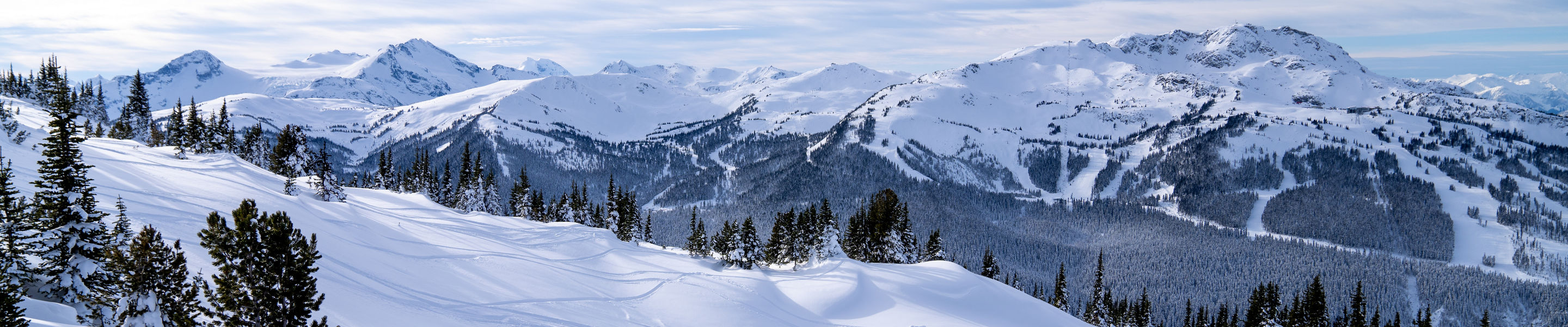
All Access. All Mountain. All Snow.
2024/25 PASSES ON SALE NOW , opens in a new window
Get more benefits and save compared to lift tickets with an Epic Pass. Lock in next season's Pass today for 2 Buddy Tickets to share with friends & family.
Restrictions and exclusions apply. Epic Day Pass does not include Buddy Tickets. Learn more.

The Best Ski Resorts in Colorado , opens in a new window
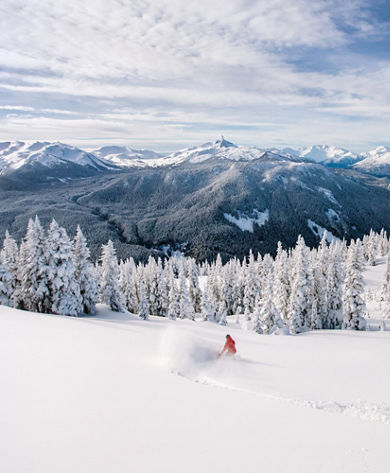
Destination Highlight: Whistler Blackcomb
Whistler Blackcomb is named one of the top Ski Resorts by Forbes, Conde Nast and Wall Street Journal for a reason. Check out all that North America's largest resort has to offer.

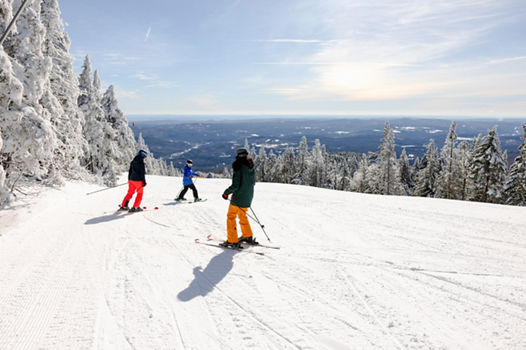


Spring Skiing is Here , opens in a new window
Behind-the-Scenes Tips

How To Use Ski Poles

6 TIPS TO TAKE YOUR SKIING TO THE NEXT LEVEL

11 Tips for Skiing the Trees Without Fear
Latest Snow Stories
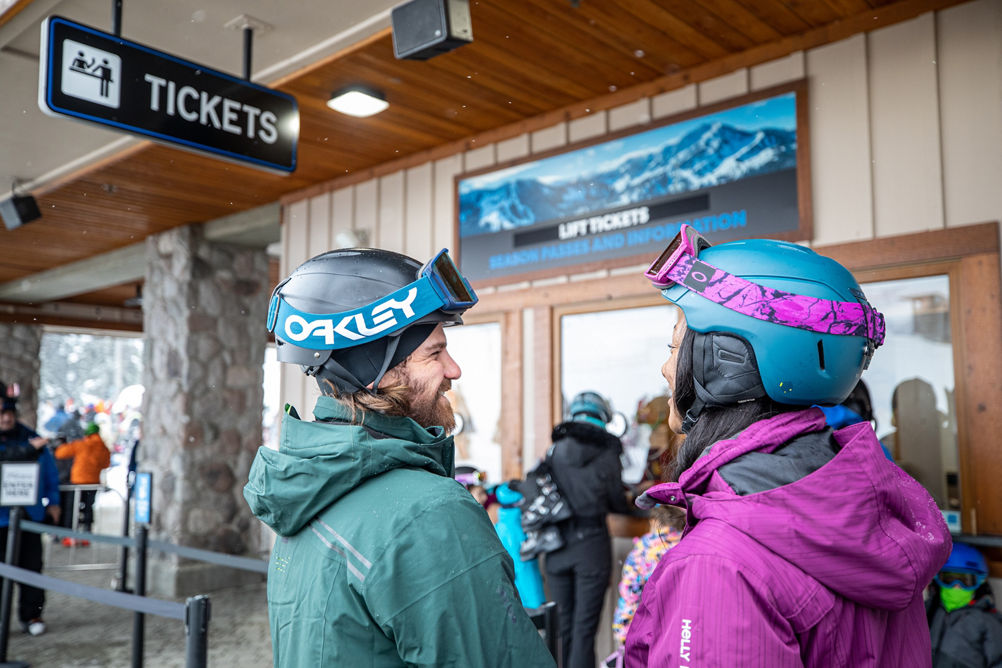
Guide to Planning a Ski Trip West
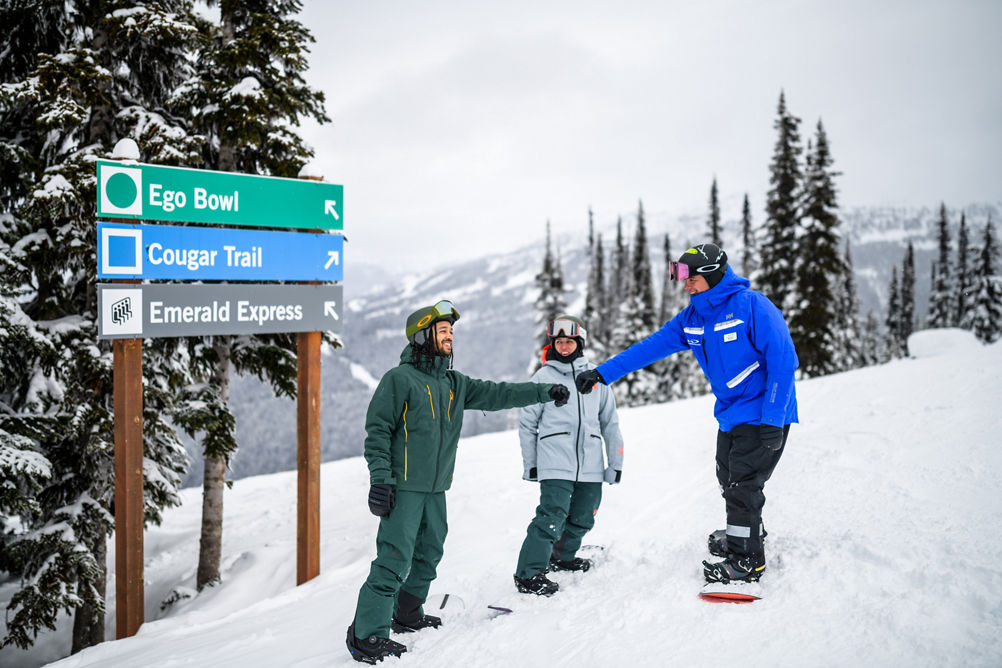
How To Know if You're Ready to Try Blue Runs


Vail Resorts among Most Innovative Companies
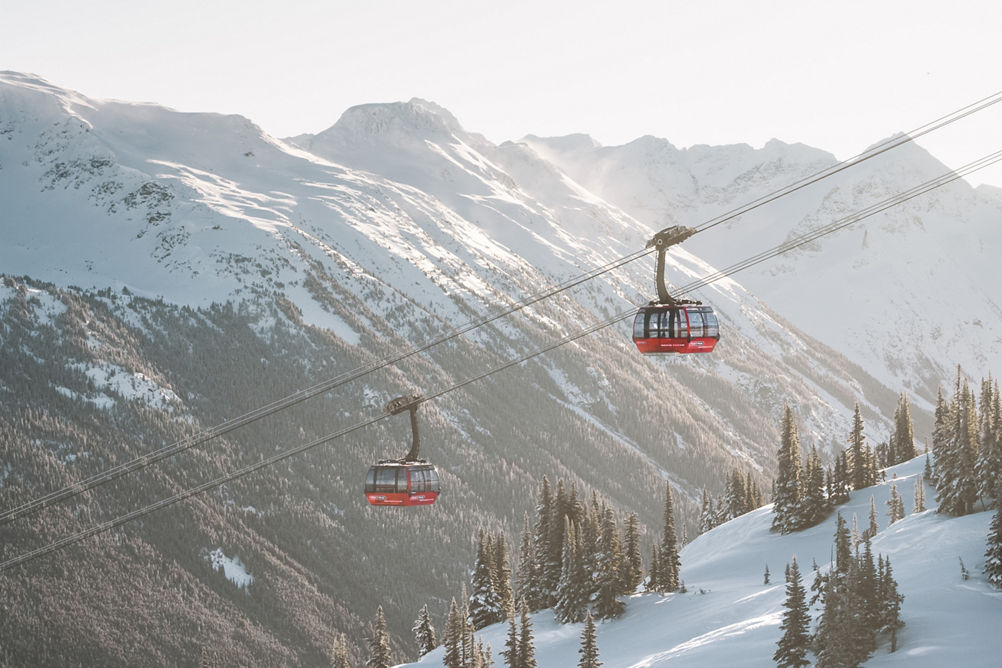
6 Local Tips for the Perfect Whistler Ski Trip

Best Snow Tubing Resorts in the Midwest
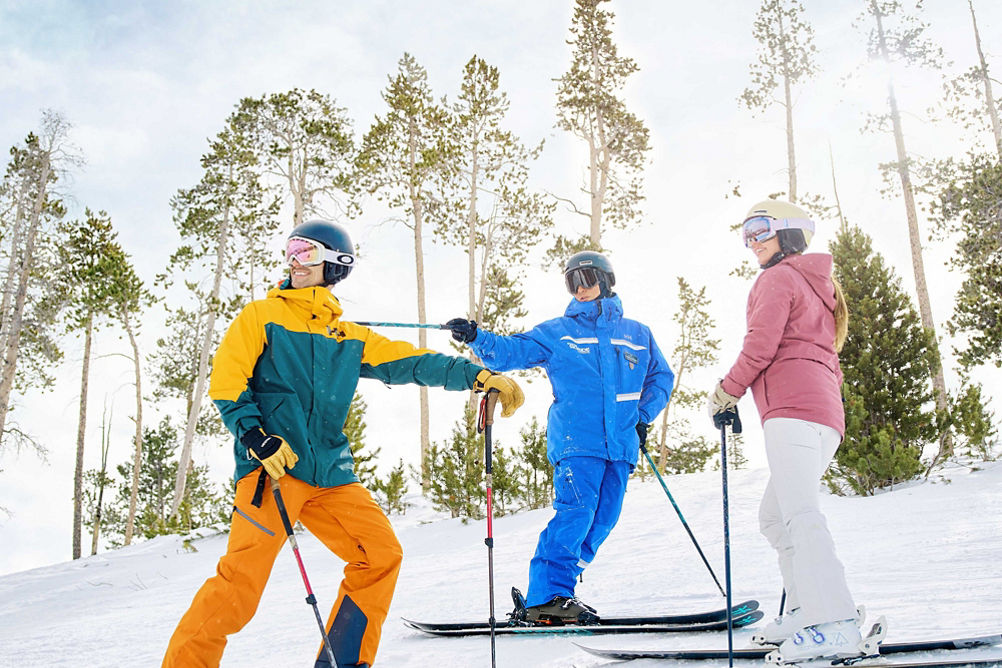
Learning to Ski or Snowboard as an Adult
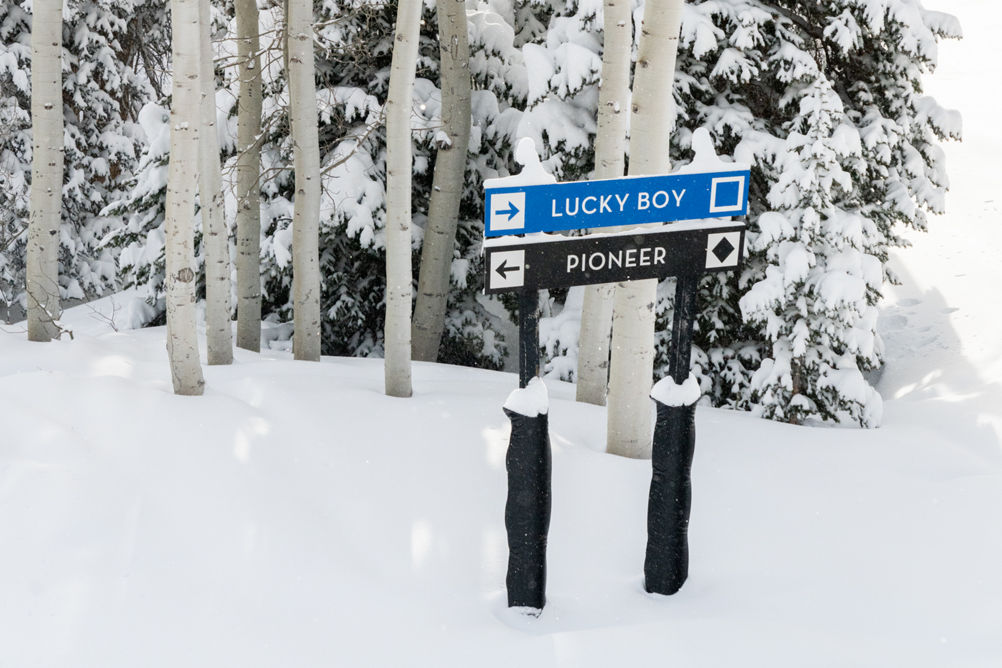
Blue vs. Black Diamonds: What's the Difference?